

Embedding basic conditional statements into an HTML template
In addition to embedding merge fields into an HTML template, you can also add simple control flow through if statements by embedding a tag into your document in the following format:
{% if [boolean condition] %}
   text and/or field
{% endif %}
For example, if you wanted to include the last field only if there was an object called names, you would embed the following into the body of your document in the HTML source editor:
<html>
{% if names %}
   Last Name: {{names.last}}
{% endif %}
</html>
To see conditional statements in action, check out how to build a full-featured HTML template.
Preview in the current editor
Open the HTML template from Studio, edit its source, and click Save. Select Preview, enter sample merge values, and click Preview in the panel. The screenshot below demonstrates the current preview with a separate project-summary example.
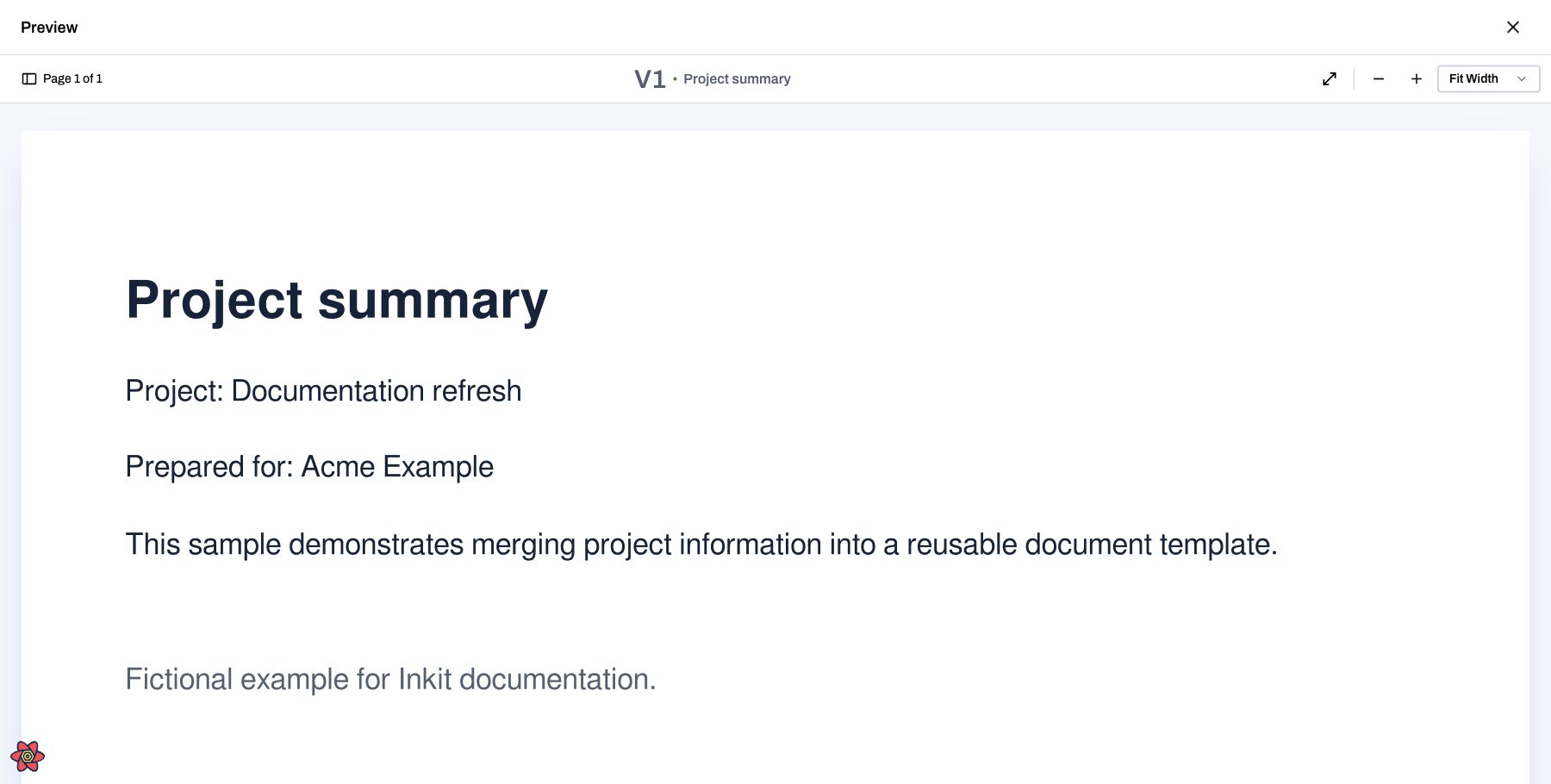
Current HTML source and rendered preview. Local demonstration using production application code and test data.
Updated 11 days ago